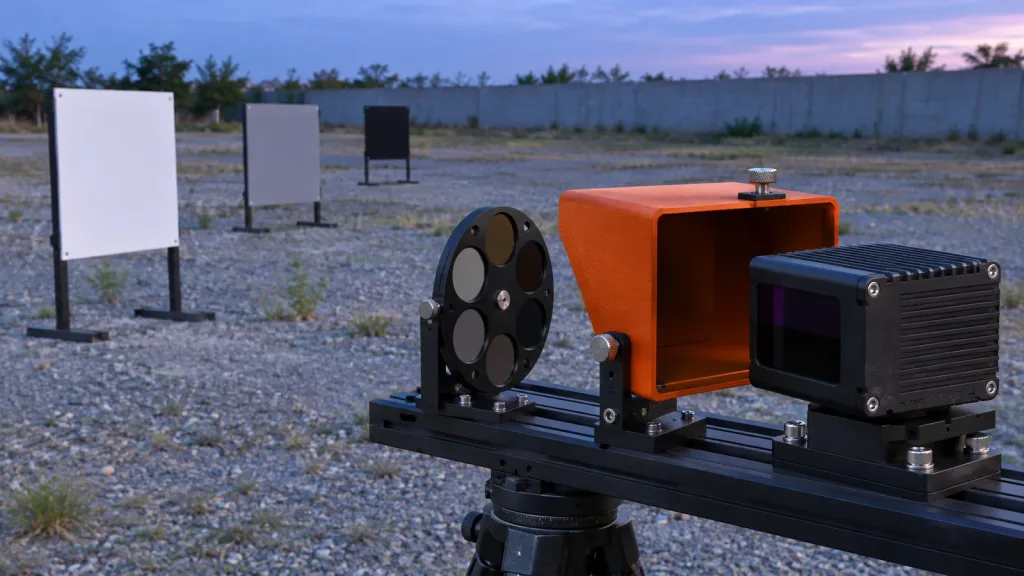
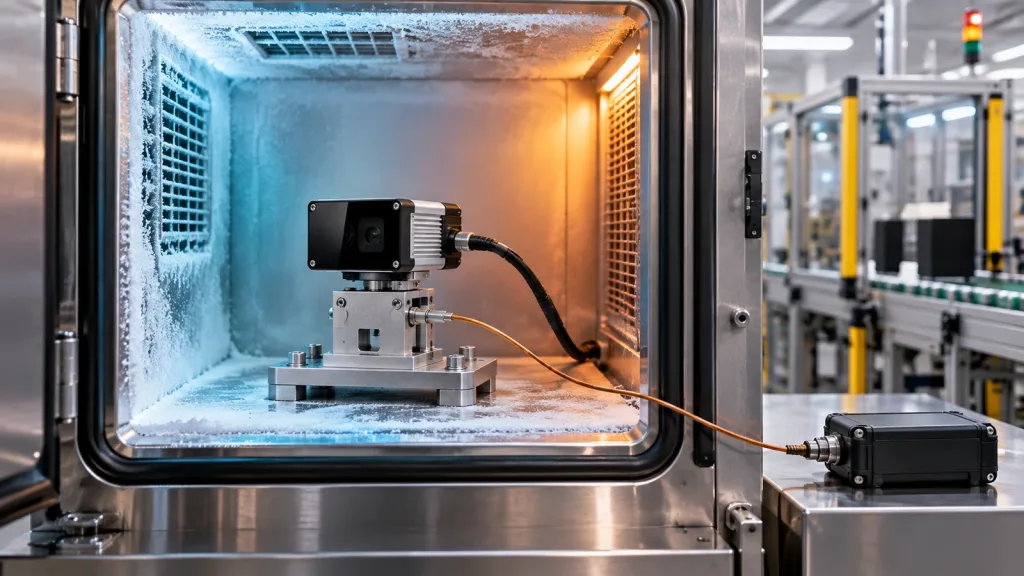
A published temperature range is a starting point, not a deployment verdict. If you are evaluating a -20~60℃ wide temp industrial lidar for an inspection or security pilot, ask for a record that links the received module, the installed assembly, the temperature condition, the host-side capture, and the acceptance decision. That record is more useful than a bare range on an RFQ.
The Featured-product export for Purpleriver’s MRP-LD1 lists an operating temperature of -20~60℃ and storage temperature of -30~70℃. This guide shows how to turn those published values into a bounded sample-evaluation plan without claiming that the module, mounting, cable set, host, or complete machine has already passed your particular test.
Quick answer: make temperature a testable system question
First freeze the product configuration and interface. Next agree whether you are checking a stable cold endpoint, a stable hot endpoint, storage, or a temperature-change exposure. Then capture depth or point-cloud output at the agreed checkpoints and preserve the host log, setup photos, serial or lot trace, fixture description, and pass/fail criteria. If any element is missing, record the gap rather than translating an operating range into a promise.
Why a -20~60℃ wide temp industrial LiDAR range is not proof of your installation
Temperature labels can describe different things: the device state, the duration, the surrounding air, the point measured, whether the unit is powered, and whether the condition is steady or changing. A compact sensor may also sit beside a host board, a cable gland, a window, or an enclosure that has a different temperature history. Treat the published range as a requirement to verify against your assembly and operating scenario, not as a substitute for that verification.
The current IEC 60068-2-1:2025 cold-test description covers low-temperature use, transport, and storage for energized and non-energized specimens. The parallel IEC 60068-2-2:2025 dry-heat description frames the high-temperature question in the same way. These references do not certify a particular LiDAR or prescribe your acceptance limits; they help an evaluation team ask a precise question about specimen state and test purpose.
There is a third question when a machine moves between conditions or heats after startup. IEC 60068-2-14:2023 addresses specified ambient-temperature changes. Keep that question separate from a stable cold or hot dwell in the purchase and pilot record.
Selection chart: decide what evidence the pilot actually needs
| Decision question | Evidence to request or collect | Do not infer |
|---|---|---|
| Will the sensor be used at a stable cold condition? | Agreed setpoint, stabilization rule, powered state, fixture and host configuration, captured output, and acceptance criterion. | That storage handling or a room-temperature sample proves cold operation. |
| Will the sensor be used at a stable hot condition? | Agreed setpoint, dwell condition, power state, output capture, and repeatable checkpoint. | That the enclosure, cable, host, or target scene remains within the same condition as the module. |
| Will the assembly see changing temperature? | Transition profile, measurement locations, powered state, captures before and after change, and any recovery observation. | That separate cold and hot endpoints answer a temperature-change question. |
| Is the range only for logistics? | Clear distinction between storage and operation in the RFQ and incoming-inspection record. | That a storage figure is an operating specification. |
| Does the pilot need usable data? | Saved depth or point-cloud samples, host logs, parser version, timestamps, and a defined visual or numerical review. | That link enumeration alone proves application behavior. |
Start with the documented MRP-LD1 baseline, then validate the assembly
The only product-specific facts below are drawn from the Featured WooCommerce export for the MRP-LD1 Drone LiDAR Sensor product page. They are a useful configuration baseline for an evaluation request. They are not a claim that your fixture or finished system has been tested.
| Published MRP-LD1 field | Value in the Featured-product export | Evaluation implication |
|---|---|---|
| Operating / storage temperature | -20~60℃ / -30~70℃ | State whether your check concerns powered operation or storage handling; record the condition rather than treating the numbers as a result. |
| Interfaces | UART, UVC, UDP | Lock the selected interface and parser or capture tool before comparing checkpoints. |
| Software support | Windows, ARM, Linux, Android | Identify the actual host OS and version used for the evaluation. |
| Depth and point-cloud output | Real-time depth images and 3D point-cloud data; 40×30 resolution; 10 fps | Agree which output is retained and how its continuity or usability will be reviewed. |
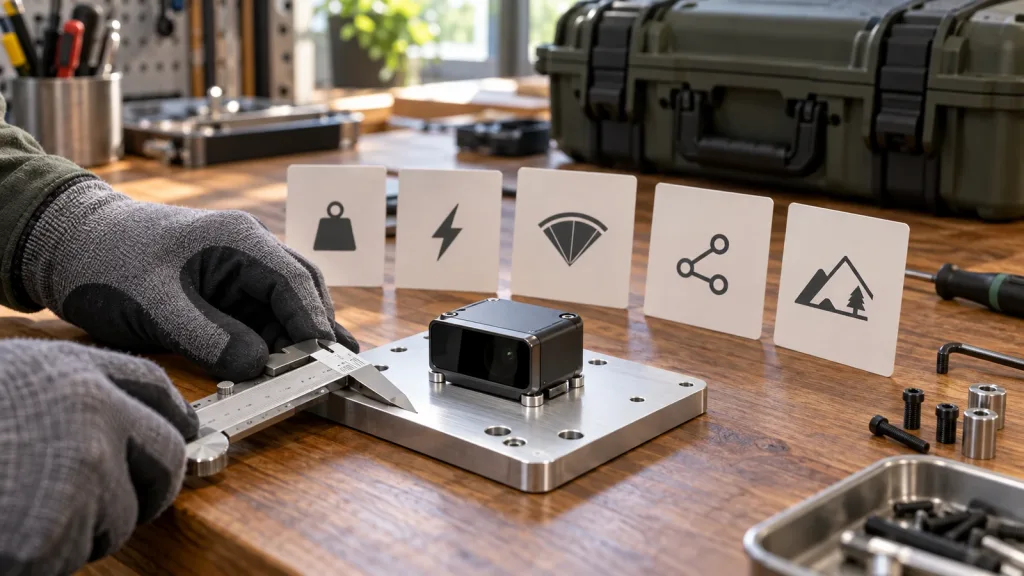
| Power and physical baseline | 5 V, 1.2 W, 8 g | Document the supply, mount, cable routing, and any host hardware used in the sample setup. |
| Application groups | Industrial inspection and security; UAV and robot uses; AR/VR auxiliary focusing | Choose one actual pilot scene and define its target, mounting, light, and motion conditions. |
For a wider decision frame, use the site’s solid-state LiDAR selection scorecard. Temperature is one gate among integration, field of view, data path, application geometry, and test evidence.
Build a receiving-to-soak record before the first industrial pilot
1. Freeze the sample and configuration
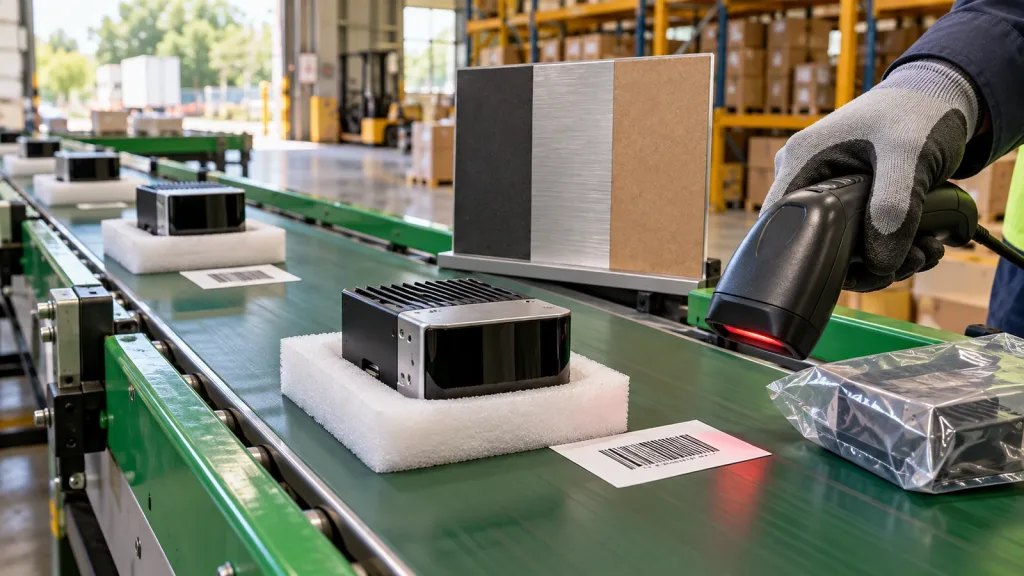
On arrival, record the product identifier supplied by the vendor, the received hardware, the host OS, interface choice, cable set, power source, mount, firmware or software identifiers available to you, and the target arrangement. Photograph the setup. If an item cannot be identified, label it as an open item instead of filling the gap from memory.
2. Write the question before choosing the chamber setting
Use a sentence such as: At the agreed condition, with this powered configuration and this target, does the host retain the defined depth or point-cloud capture for the agreed observation? Setpoints, dwell, ramp or transition, and acceptance thresholds belong in the agreed plan because they depend on the application; this article does not invent universal values.
3. Capture a room-condition baseline
Save a short baseline using the exact host, interface, parsing path, power input, fixture, and target that will be used for later checkpoints. This is not a performance benchmark. It is a control record that lets the team distinguish a later integration change from a temperature-condition observation.
4. Run cold and hot checks as separate entries
For each agreed stable condition, record the measured locations, specimen state, time at the condition, supply arrangement, target position, host log, and retained output. Do not overwrite a failed or unclear file: preserve it with a clear condition label and write the observation that needs follow-up.
5. Add a change-of-temperature check only when it matches the field exposure
If the installation experiences a defined change rather than long stable dwell, identify that as a separate requirement. Keep the pre-change, post-change, and any recovery captures together. This makes the discussion with the sensor supplier, systems integrator, and quality team concrete.
Pair this environmental record with the site’s LiDAR sensor pilot-build validation guide so the evidence can carry into the next pilot decision.
Keep the interface and data path observable through the evaluation
A thermal observation is only useful if the team can still identify what crossed the host boundary. MRP-LD1 documentation lists UART, UVC, and UDP. Select one path for the first controlled record, preserve the host configuration, and retain unmodified samples before any downstream visualization or filtering. If the project later needs another interface, run that as a separately labeled configuration rather than silently mixing captures.
For UART, preserve the host-side configuration and a raw capture. For UVC, preserve the negotiated format and a representative saved frame or file. For UDP, preserve the receiver configuration and raw packet capture where the project permits. These are workflow suggestions, not claims about a specific installation. The Windows and Linux LiDAR SDK validation guide can help the team structure its host-side handoff.
Also keep temperature work separate from the bright-scene question. If the application faces variable illumination, schedule that as its own factor using the bright-scene pilot validation guide; otherwise a change in target visibility can be misattributed to temperature.
Illustrative case: inspection enclosure handoff without a false pass
An integrator is considering a compact depth module for an industrial-inspection enclosure near a loading area. The team wants to understand whether the selected assembly can provide reviewable depth or point-cloud captures across its expected conditions. The MRP-LD1 is considered because its published export includes industrial inspection and security applications and a -20~60℃ operating range.
Instead of declaring the site suitable from the range alone, the team creates one receiving-to-soak record: the delivered sample, 5 V supply, chosen host, chosen interface, mount, target panel, and output files are identified. It obtains a room-condition capture, then performs only the agreed condition checks with the same setup. A missing log, unclear fixture temperature, changed parser, or changed target is recorded as a gap. The result is a useful decision package: proceed, repeat a defined check, change the setup, or ask the supplier for clarifying documentation. It is not a fabricated field-performance claim.
For the broader sourcing sequence, see the industrial-grade LiDAR buyer validation guide.
Common mistakes that weaken an industrial LiDAR temperature evaluation
- Calling a catalog range a passed system test. A device figure does not automatically cover the host, mount, cable, window, target, or control logic.
- Mixing storage and operation. Write which condition is being discussed and whether the sample is powered.
- Changing the host or parser between checkpoints. You lose the ability to compare observations.
- Using only screenshots. Preserve raw or minimally processed source data and the context needed to interpret it.
- Collapsing steady endpoints and transitions. A temperature-change exposure is a separate question that needs its own agreed plan.
- Testing a convenient target instead of the intended geometry. Record the target, distance, surface, mounting, and motion state relevant to the pilot.
- Promising an acceptance result before review. Mark open evidence as open and assign the next owner.
RFQ and evaluation checklist for a wide-temperature LiDAR
- State the intended application, indoor or outdoor exposure, working geometry, and target materials.
- Separate the required operating and storage conditions; identify whether powered operation is required.
- Identify the exact module, interface, host operating system, power arrangement, mount, and cable set for the sample.
- Ask which product documents, SDK resources, sample data, and evaluation support are available for the selected configuration.
- Define what output will be captured: depth, point cloud, or both; define the host log or raw capture to retain.
- Agree the observation points, condition labels, stabilization or dwell rule, and review owner before testing.
- State a condition-specific acceptance criterion and a path for ambiguous data, rerun, or engineering review.
- Keep ambient light, vibration, ingress, system thermal design, and application safety as separate validation tracks unless the plan deliberately combines them.
- Request an evaluation sample or a project-specific quote only after the team can describe platform, interface, scene, quantity, and timing.
Turn the temperature line in your RFQ into an evidence plan
If your project needs a compact dToF module for a defined industrial pilot, share the target platform, application, working distance, indoor or outdoor scene, host system, preferred interface, sample quantity, and expected timing. Review the documented MRP-LD1 product details, then request product documents, SDK resources, sample data, an evaluation sample, or a project-specific quote.